


Photo editingProduct photography
Jewellery photo retouching: getting premium results online
Metal, stones and tiny details are among the hardest things to photograph. Here is what retouching fixes and what to ask for.
3 min read
Jewellery and watches are bought on detail. Customers zoom in on the setting, the clarity of a stone, the finish of the metal and the engraving on a case back. At that magnification the camera records everything: every speck of dust, every fingerprint, every reflection of the room. That is why jewellery is one of the most retouching-intensive product categories.
Why jewellery is hard to photograph
- Reflective metal mirrors the studio — lights, the camera, even the photographer.
- Small size means dust and scratches that are invisible to the eye become large at macro magnification.
- Stones need light to sparkle, but the same light can wash them out or create harsh hot spots.
- Depth of field is shallow at close range, so parts of a ring can fall out of focus.
What jewellery retouching covers
Cleaning
Dust, lint, fingerprints, polishing marks and small scratches are removed from metal and stones. This is detailed, zoomed-in work — on a ring it can mean hundreds of tiny corrections.
Metal
Reflections of the studio are replaced with smooth, even gradients that still read as polished metal. Yellow, white and rose gold are kept true to their real colour so that a customer is not surprised when the piece arrives.
Stones
Stones are cleaned, their facets defined and their brilliance restored where the camera dulled it — without inventing colour or clarity the stone does not have.
Background and shadow
A clean white or soft gradient background, plus a subtle shadow or reflection, gives the piece a premium setting. See background removal and shadows.
What each type of piece usually needs
| Piece | Typical retouching focus |
|---|---|
| Rings | Clean the inside of the band, even the reflections on curved metal, define the stone and its setting, keep the ring upright and centred |
| Earrings | Make a pair match in size, angle and brightness; remove the stand or pins used to hold them; keep the hooks or posts visible |
| Necklaces and chains | Straighten the chain so it hangs naturally, remove the bust or support, keep every link sharp and evenly lit |
| Bracelets | Close gaps in the curve, clean the clasp, keep the shape round rather than oval |
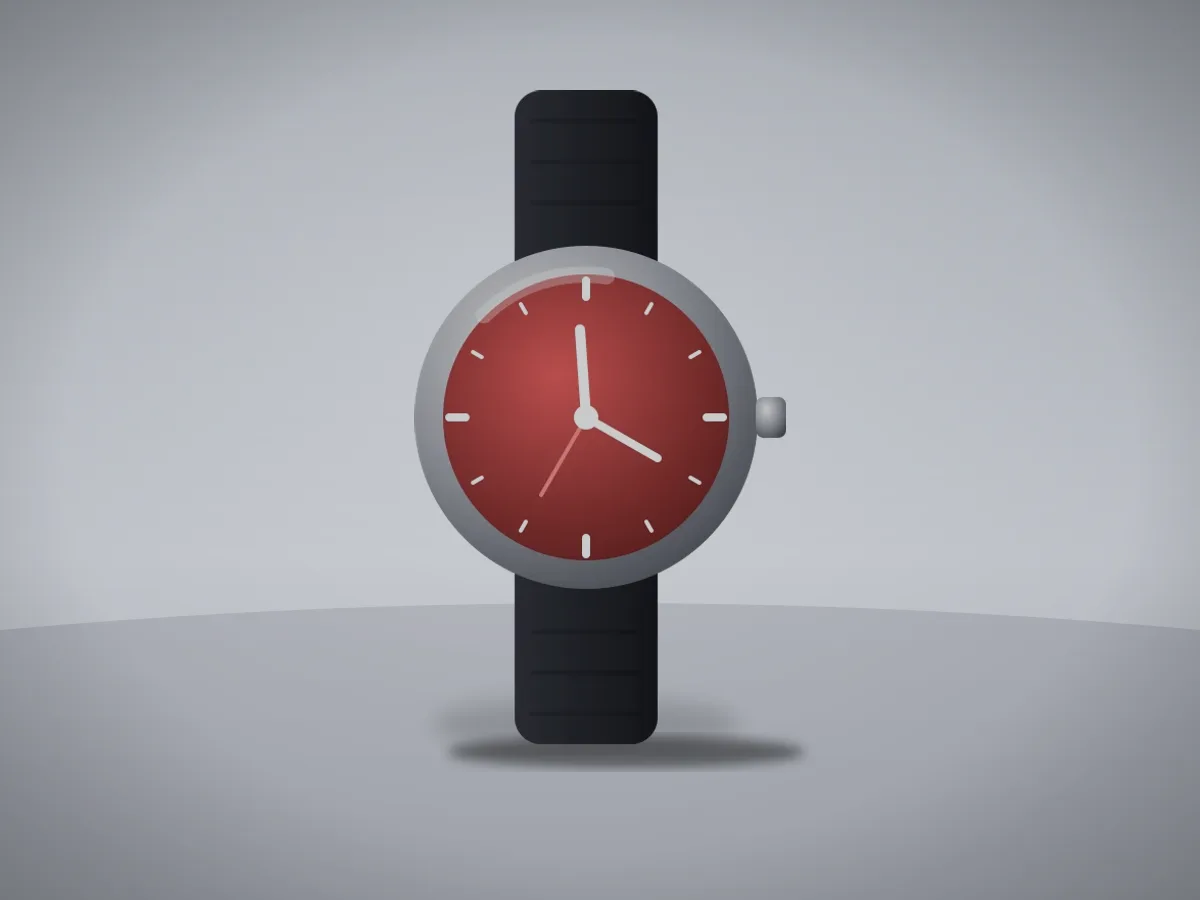
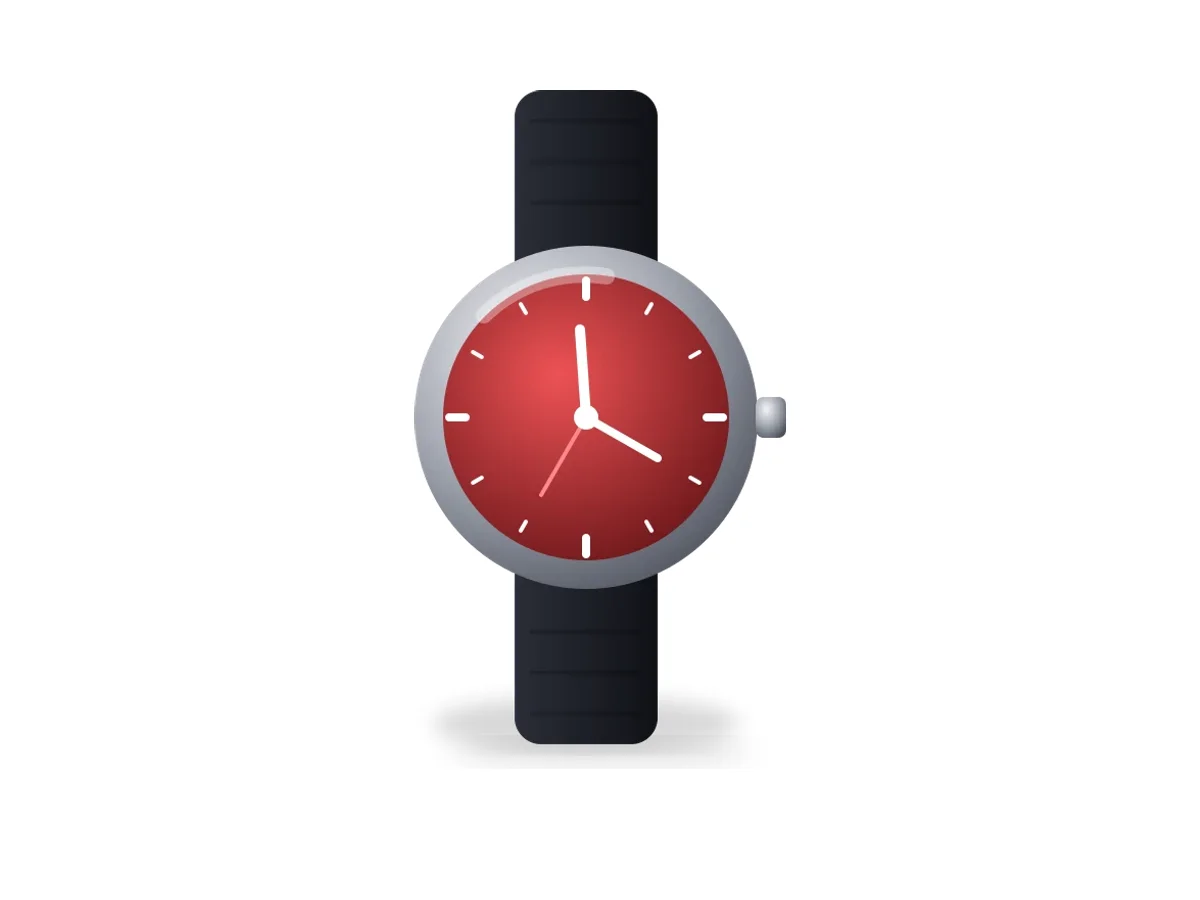
| Watches | Clean the crystal and remove reflections that hide the dial, set the hands to a tidy position, keep the strap texture |
Pairs and sets deserve extra attention: if two earrings are retouched separately, small differences in brightness or angle are obvious when they sit side by side. Ask for sets to be edited together, against the same reference.
Honesty matters most in this category
Fine jewellery is expensive and often bought as a gift; a photo that flatters a stone beyond reality leads to disappointment and returns. Ask your retoucher to clean and clarify, never to change the stone's colour or clarity grade, hide inclusions that are part of the description, or alter the metal. If a piece has a deliberate texture — hammered, brushed, oxidised — it should stay that way.
Tips for better originals
- Clean every piece with a lint-free cloth and handle it with gloves right before shooting.
- Use large, diffused light sources and white or black cards to shape reflections on metal.
- Use a tripod and, for rings and small pieces, consider focus stacking to keep the whole piece sharp.
- Shoot several angles: front, side, top, and a detail of any engraving or hallmark.
Our jewellery and watch retouching service follows these principles: clean, accurate and premium, with the piece always looking like itself.
Try it on your own photos
Jewellery retouching is easiest to judge on your own pieces. Start a free trial in the Client Portal, upload a few product photos and compare the results with your current images — or tell us about your catalogue and we will suggest a workflow.
Keep reading
 Photo editingE-commerceWhy professional product image editing matters for e-commerceOnline shoppers cannot touch your products, so the photo carries the sale. A practical look at what professional product image editing improves, where it fits in your workflow and what to ask from an editing partner.Shopnil IT Editorial Team14 NOVEMBER 20264 min read
 E-commerceProduct photographyHow better product photos help an online store sell moreShoppers decide fast and decide on what they can see. This article walks through how product photos influence clicks, trust, add-to-cart decisions and returns, and which edits make the biggest difference.Shopnil IT Editorial Team14 NOVEMBER 20263 min read
 Photo editingClipping path vs. image masking: which one does your photo need?Clipping paths and image masks both cut a product out of its background, but they suit very different subjects. Learn how each technique works, when to choose which, and when a product needs both.Shopnil IT Editorial Team14 NOVEMBER 20263 min read